

Introducing the Noodle Vertical Tabs Plugin for WordPress!
This plugin allows you to create and manage vertically tabbed content layouts easily, enhancing the design and organization of your WordPress site.
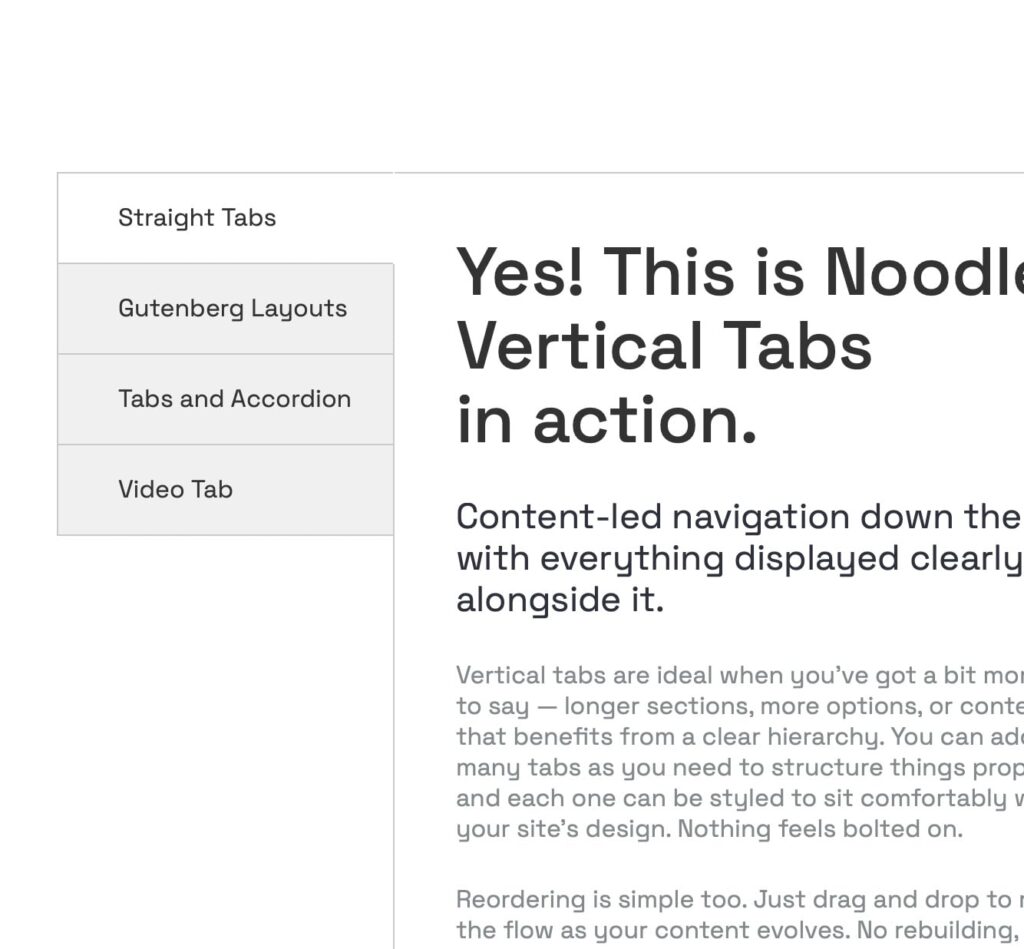
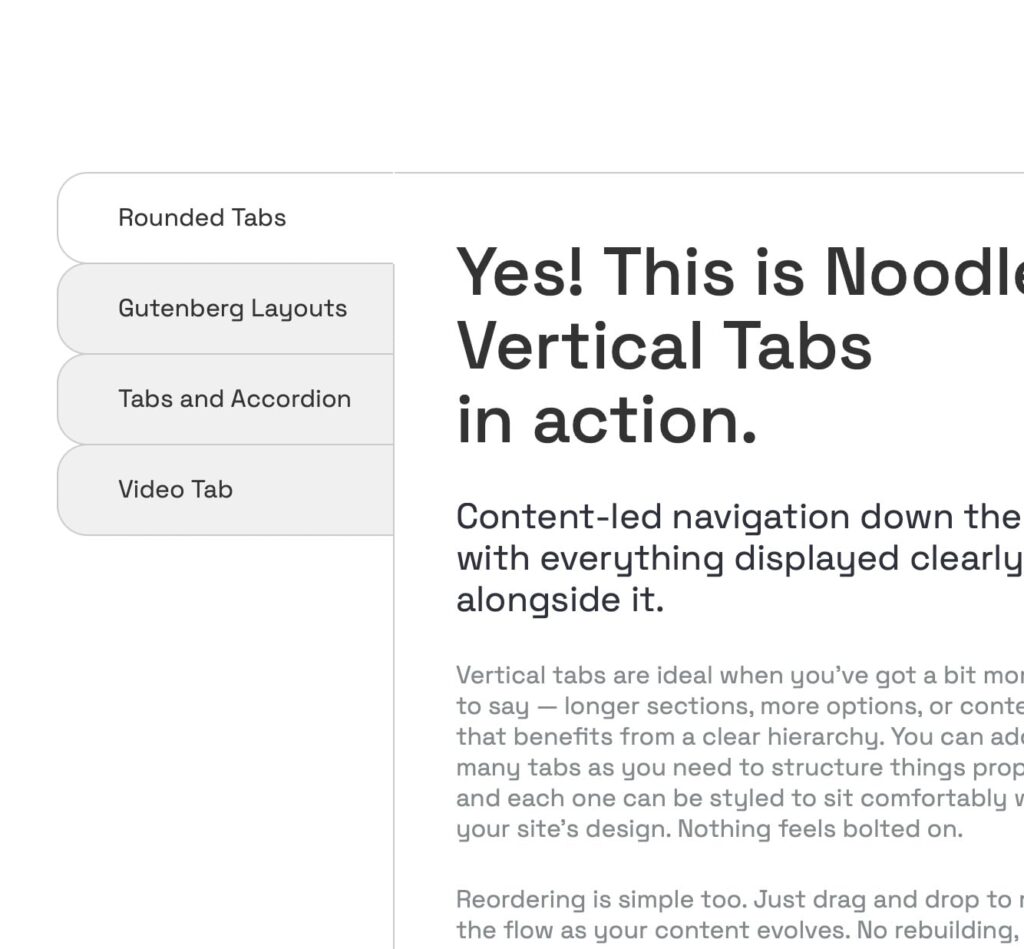
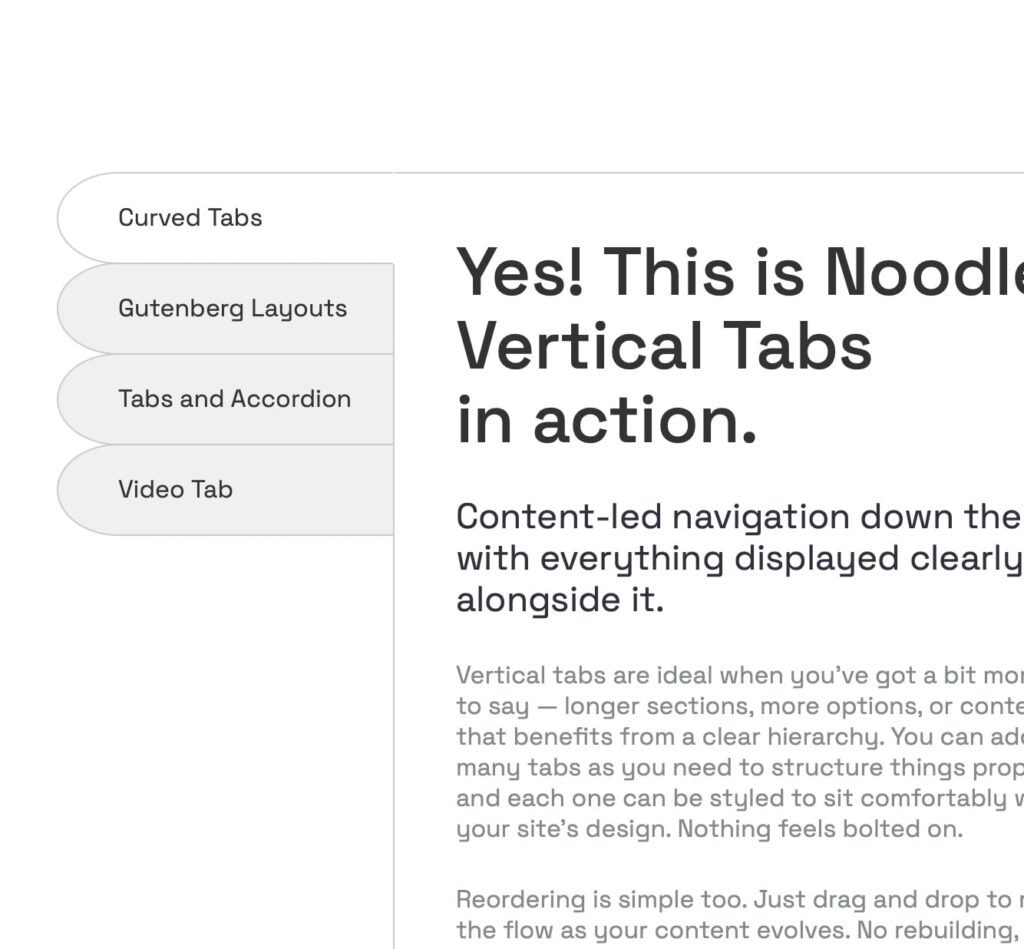
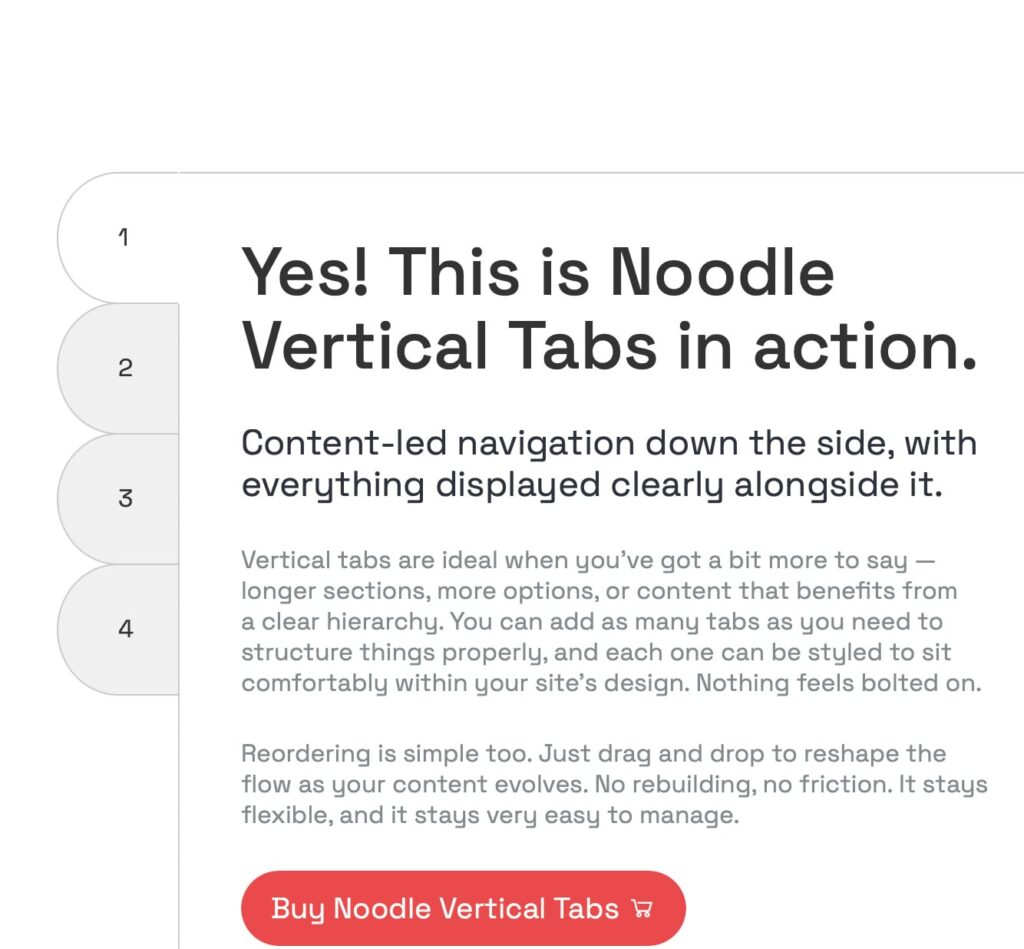
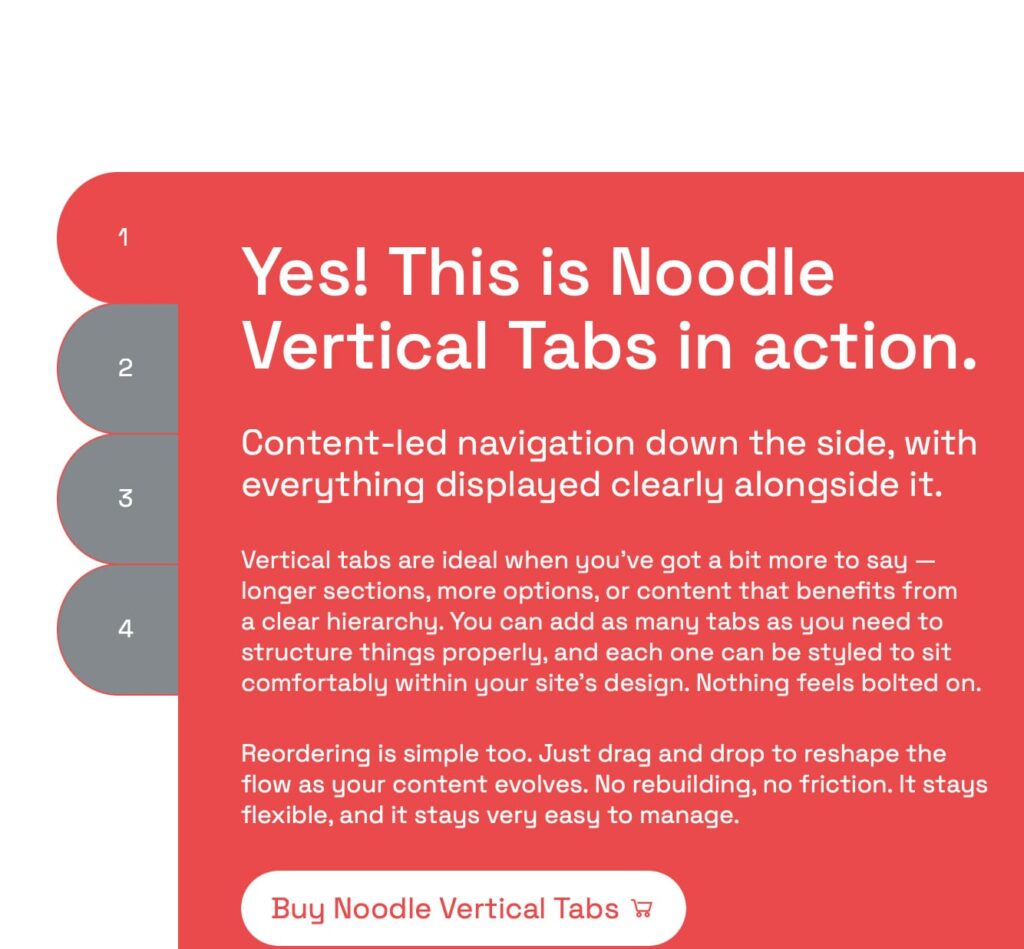
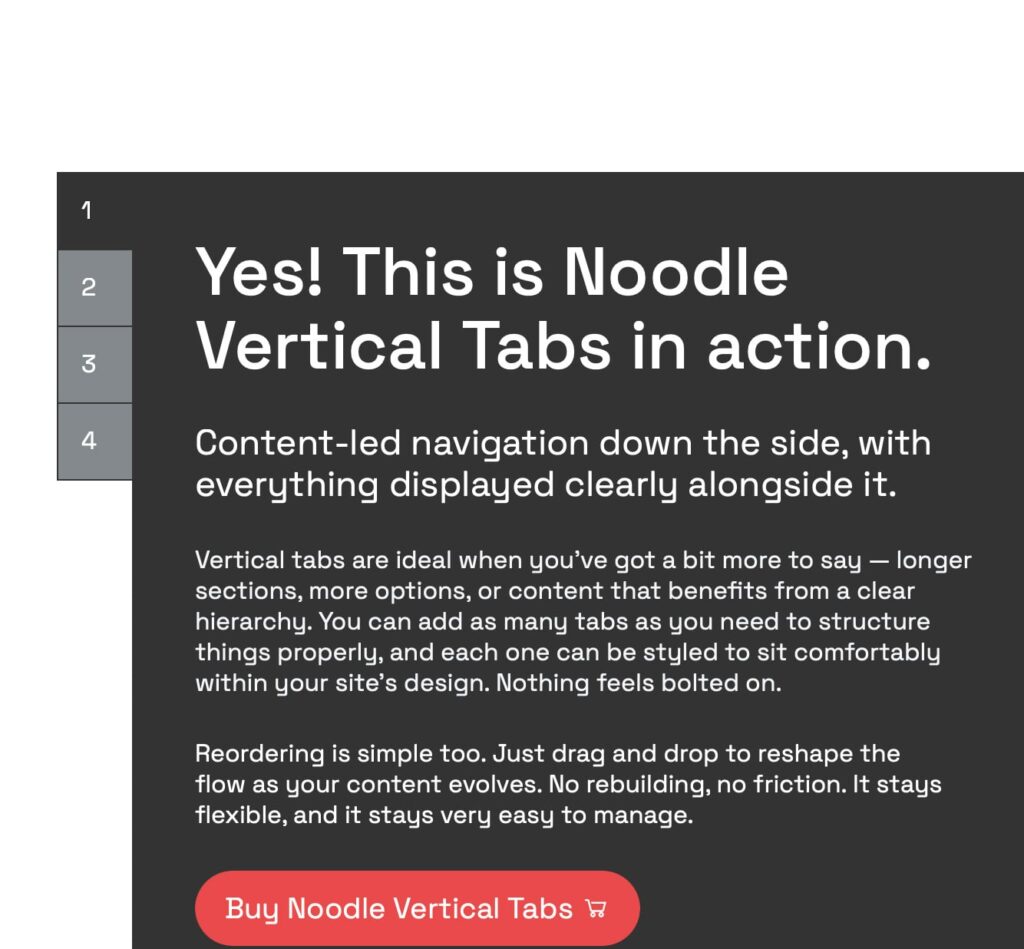
Yes! This is Noodle Vertical Tabs in action.
Content-led navigation down the side, with everything displayed clearly alongside it.
Vertical tabs are ideal when you’ve got a bit more to say — longer sections, more options, or content that benefits from a clear hierarchy. You can add as many tabs as you need to structure things properly, and each one can be styled to sit comfortably within your site’s design. Nothing feels bolted on.
Reordering is simple too. Just drag and drop to reshape the flow as your content evolves. No rebuilding, no friction. It stays flexible, and it stays very easy to manage.

Add any block you need right inside your tabs
Vertical tabs really come into their own when there’s more content to work with. Because the navigation runs down the side, there’s more room for clearer labels and a stronger sense of structure, especially when sections start to grow beyond a few lines.
They also feel calmer to use. The layout doesn’t jump around as much, and the content area stays visually anchored, which makes longer reads, comparisons, or step-by-step content easier to follow. If your page is doing a bit more heavy lifting, vertical tabs tend to handle it better — and yes, they do look pretty sharp while doing it.
Use any layout. Seriously.
There are no special rules here, and no “approved” blocks list to memorise.
If the Gutenberg editor can create it, you can use it inside this layout. Columns, groups, galleries, queries, buttons, custom blocks… all of it works. Mix things up. Nest blocks. Go a bit wild if you want.
This isn’t a locked-down component or a pre-baked template pretending to be flexible. It simply respects whatever structure you build in the editor and lets it shine.

Add any block you need right inside your tabs
Accordion inside Tabs?
We’ve got you.
Yes, you can customise the appearance of the tabs through the block settings. You can adjust colours, fonts, and styles to match your site’s design.
The Noodle Vertical Tabs plugin is designed to be compatible with most WordPress themes. If you encounter any issues, please contact support for assistance.
Yes, the Noodle Vertical Tabs plugin is fully responsive, ensuring that your tabs look great on all devices, including desktops, tablets, and smartphones.
Absolutely! You can embed shortcodes within the tabs to display dynamic content such as forms, galleries, or other plugin features.
No, there is no limit to the number of tabs you can create. You can add as many tabs as needed to organize your content effectively.
Add any block or media
Change the font sizes, tab sizes, tabs shape, colours and borders to fit in perfectly with your website.



With Noodle Vertical Tabs, you can:
- Create unlimited tabs to organize your content.
- Customize the appearance of tabs to match your site’s design.
- Use a drag-and-drop interface to reorder tabs easily.
- Embed any type of content within tabs, including text, images, videos, and shortcodes.
- Ensure responsive design, so your tabs look great on all devices.
This plugin is perfect for creating FAQ sections, product descriptions, feature comparisons, or any other content that benefits from a tabbed layout. It is built with performance and compatibility in mind, ensuring smooth operation with the latest versions of WordPress and PHP.

Lightweight and optimized for speed.
Noodle Vertical Tabs is built to stay out of the way. No bloated frameworks, no unnecessary scripts, just what’s needed to make tabs work smoothly. It loads fast, feels snappy, and doesn’t drag your Core Web Vitals down. I think that matters more than people admit — tabs should organise content, not become the heaviest thing on the page.
Easy-to-use interface for both beginners and advanced users.
The interface is deliberately simple. Beginners can drop tabs in and get on with publishing, while developers still have the control they expect. Block settings are clear, predictable, and don’t hide important options behind clever tricks. It feels familiar, which is kind of the point — you shouldn’t have to relearn WordPress to use tabs properly.
Fully compatible with popular WordPress themes and plugins.
Noodle Vertical Tabs is designed to fit into real-world WordPress setups. It works cleanly with popular block themes, custom builds, and the plugins you’re probably already using. No overrides, no fragile styling hacks. Just solid compatibility that respects how modern WordPress sites are actually put together.
Regular updates to ensure compatibility with WordPress core updates.
WordPress moves quickly, and this plugin moves with it. Regular updates keep Noodle Tabs compatible with core changes, block editor updates, and evolving best practices. You install it knowing it’ll still behave properly six months down the line — which, honestly, isn’t always a given with plugins.
Whether you’re a developer, designer, or site owner, Noodle Vertical Tabs provides the flexibility and functionality you need to enhance your site’s content presentation. Start organizing your content today with Noodle Tabs and give your visitors a better browsing experience.